
Change one thing, keep the rest
Edit one detail per round. Everything else stays put.
 1
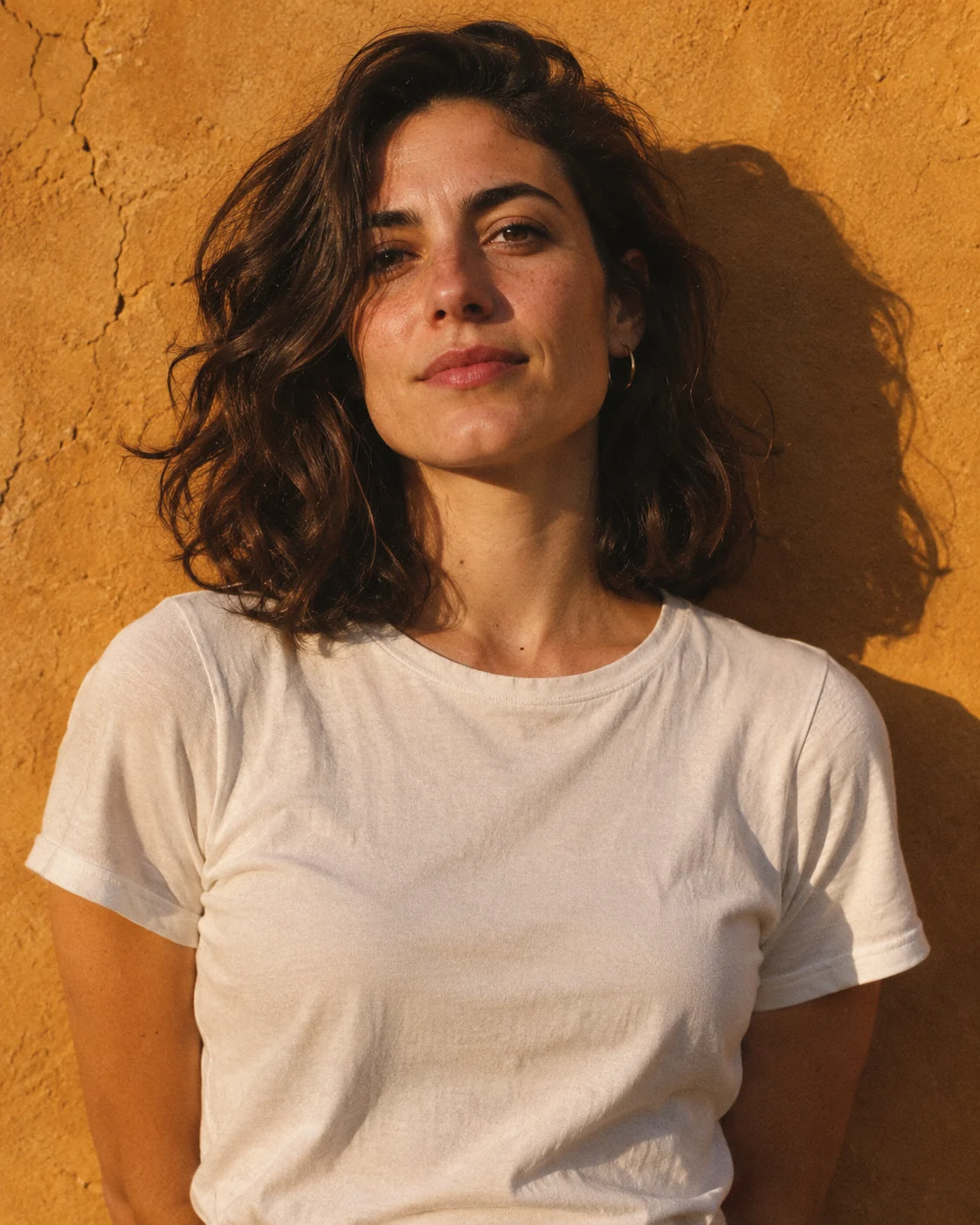
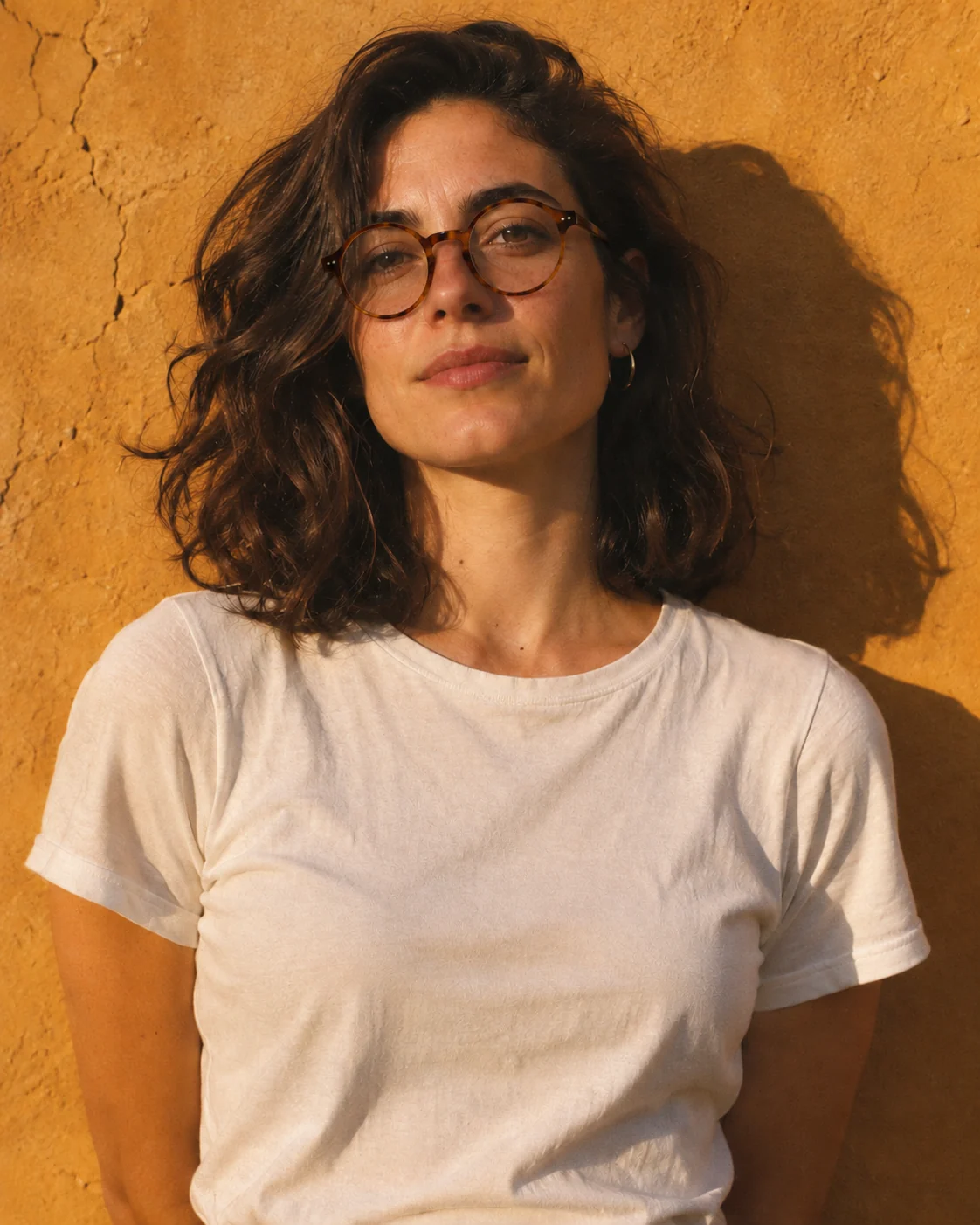
A portrait against an ochre wall in late sun.
 2
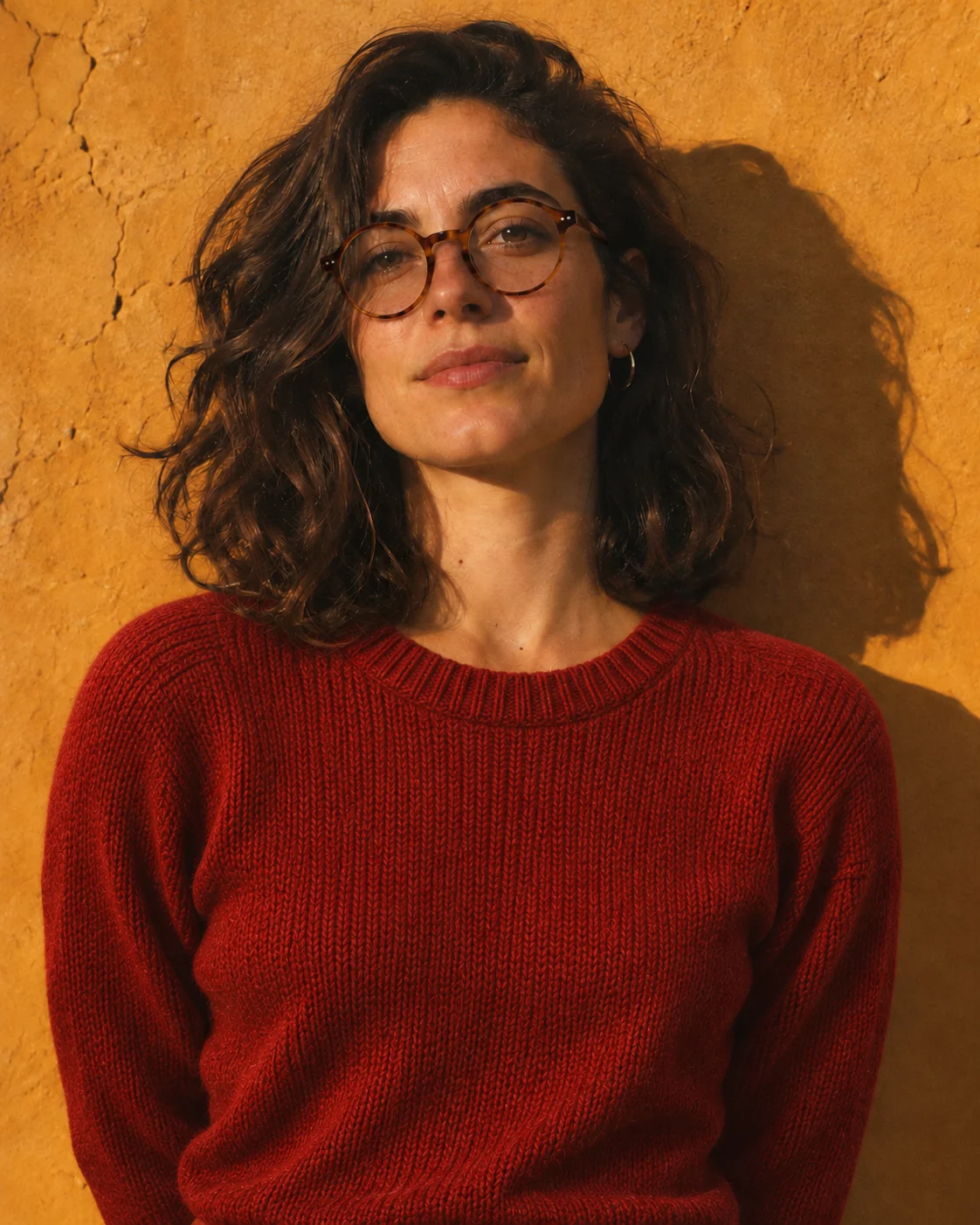
Add round tortoiseshell glasses.
 3
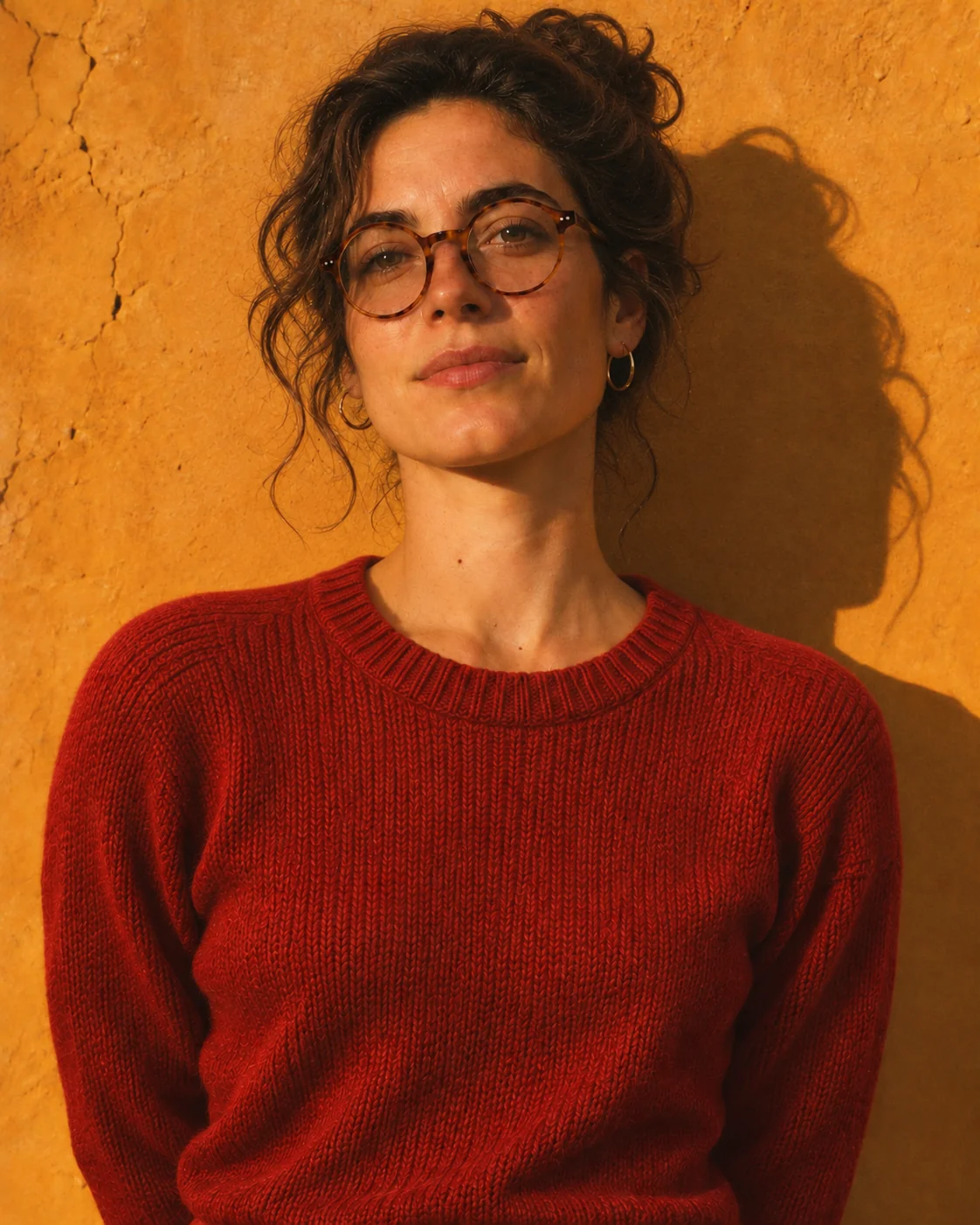
Change the T-shirt to a red knit sweater.
 4
Tie her hair up in a loose bun.
Edit the same image round after round, or generate transparent assets. Seedream 5.5 is coming to ChatCut.
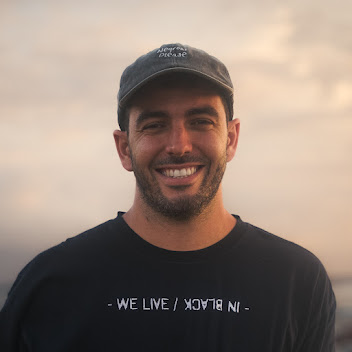
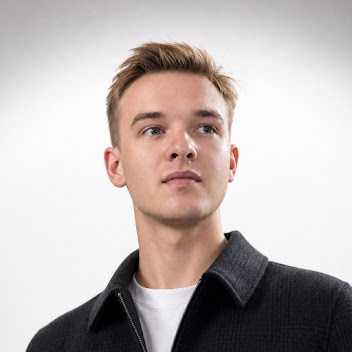
Trusted by 400,000+ creators
ByteDance released it on November 9, 2026. Three things it does better.
Edit one detail per round. Everything else stays put.
1A portrait against an ochre wall in late sun.
2Add round tortoiseshell glasses.
3Change the T-shirt to a red knit sweater.
4Tie her hair up in a loose bun.
Transparent PNGs that drop straight onto your footage.
 sun-sticker.pngTransparent PNG
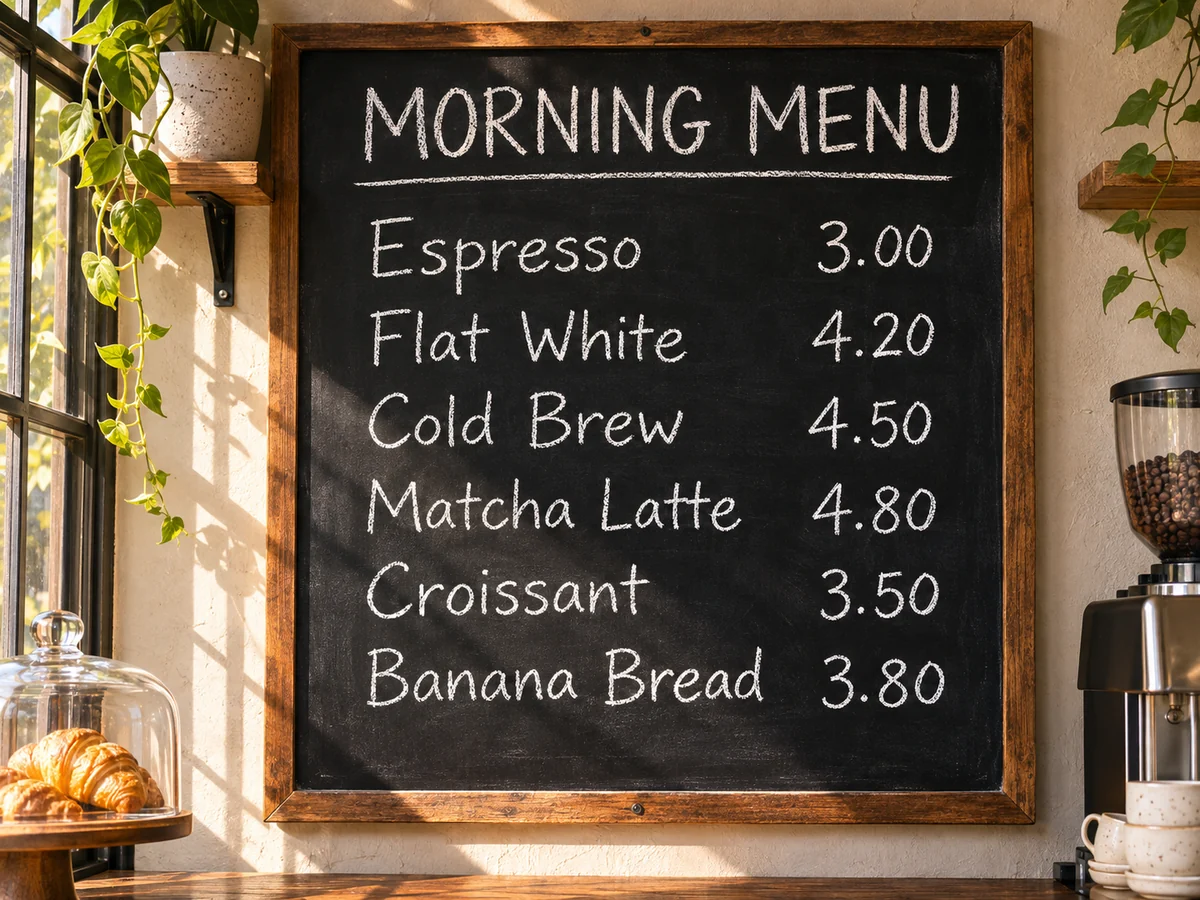
Menus, labels and maps stay sharp, letter for letter.
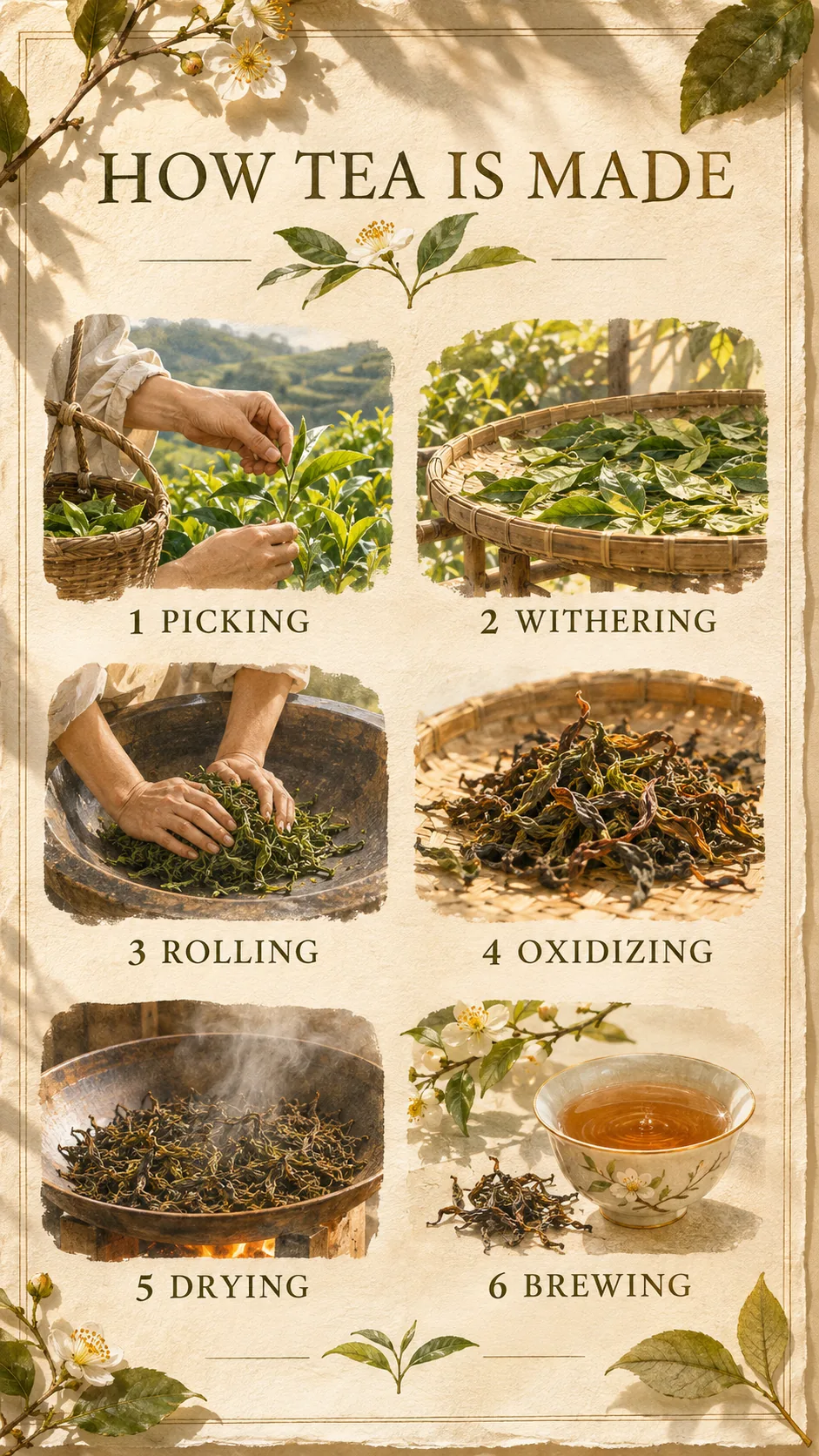
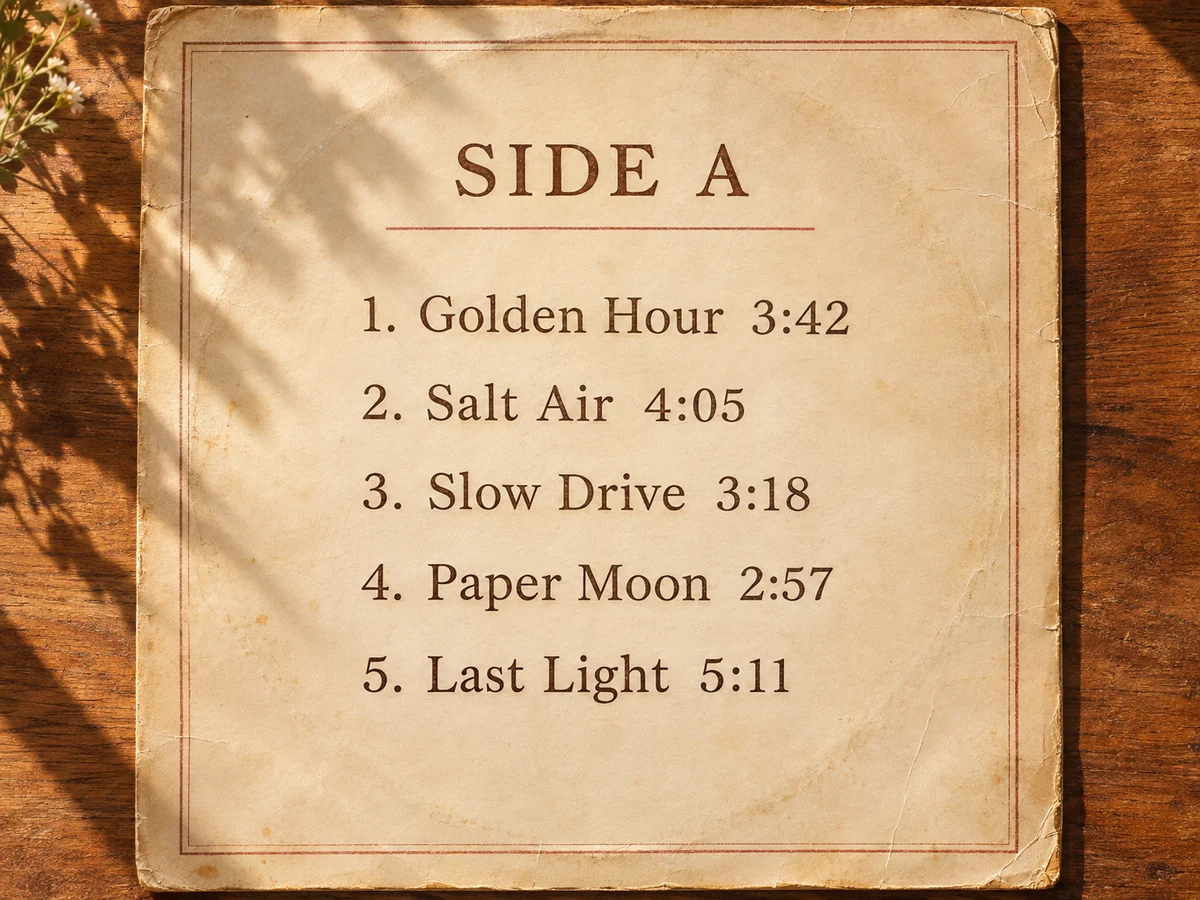
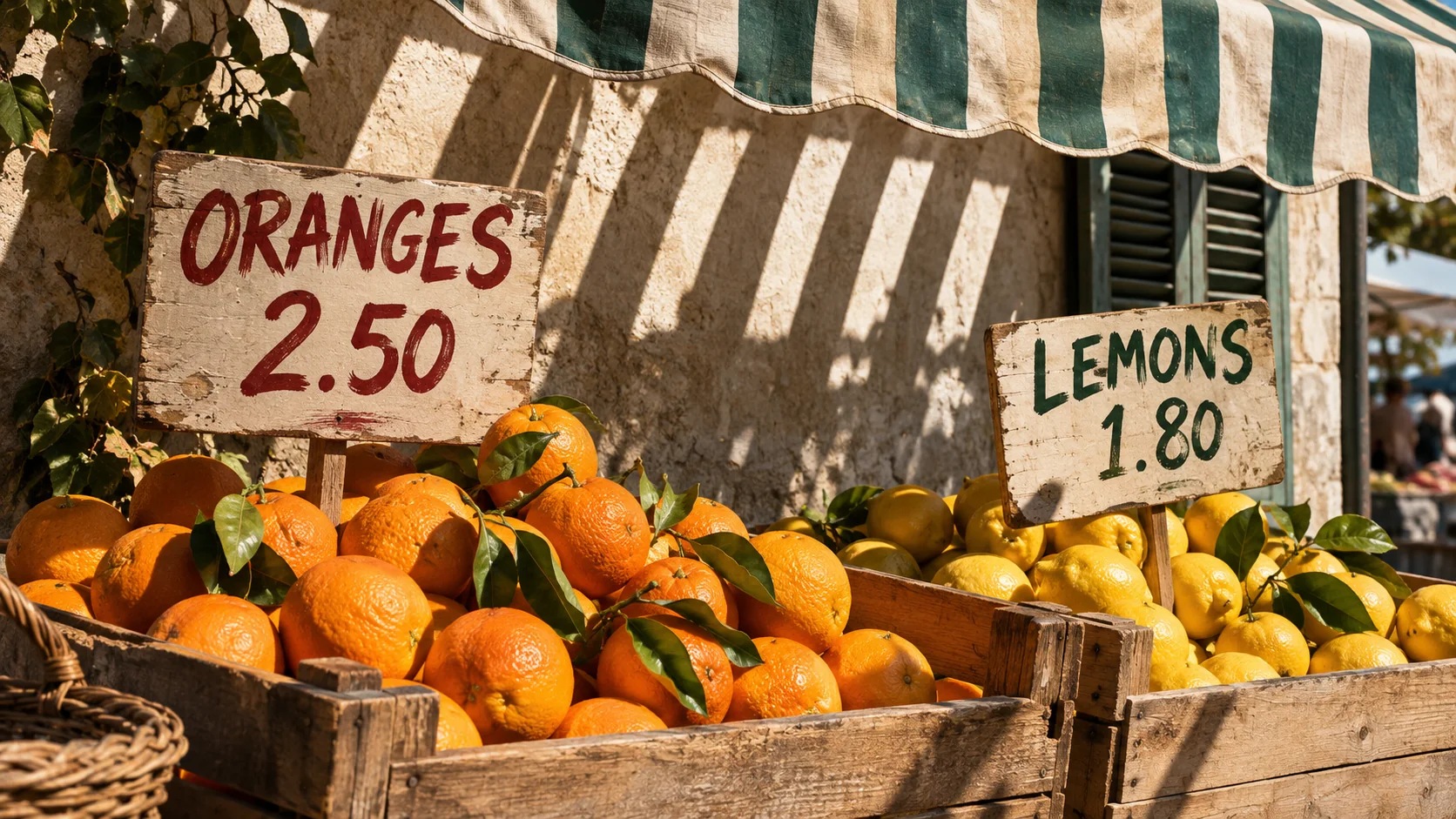
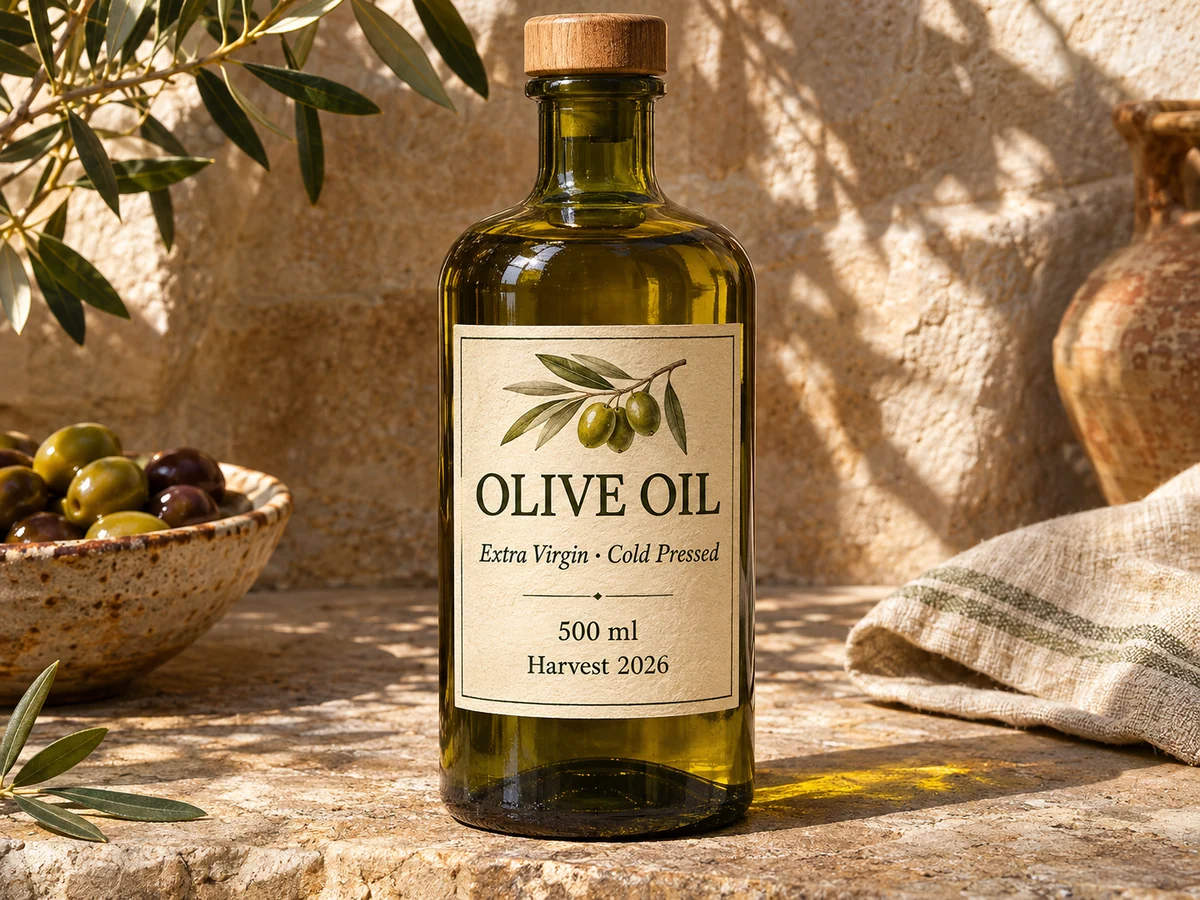
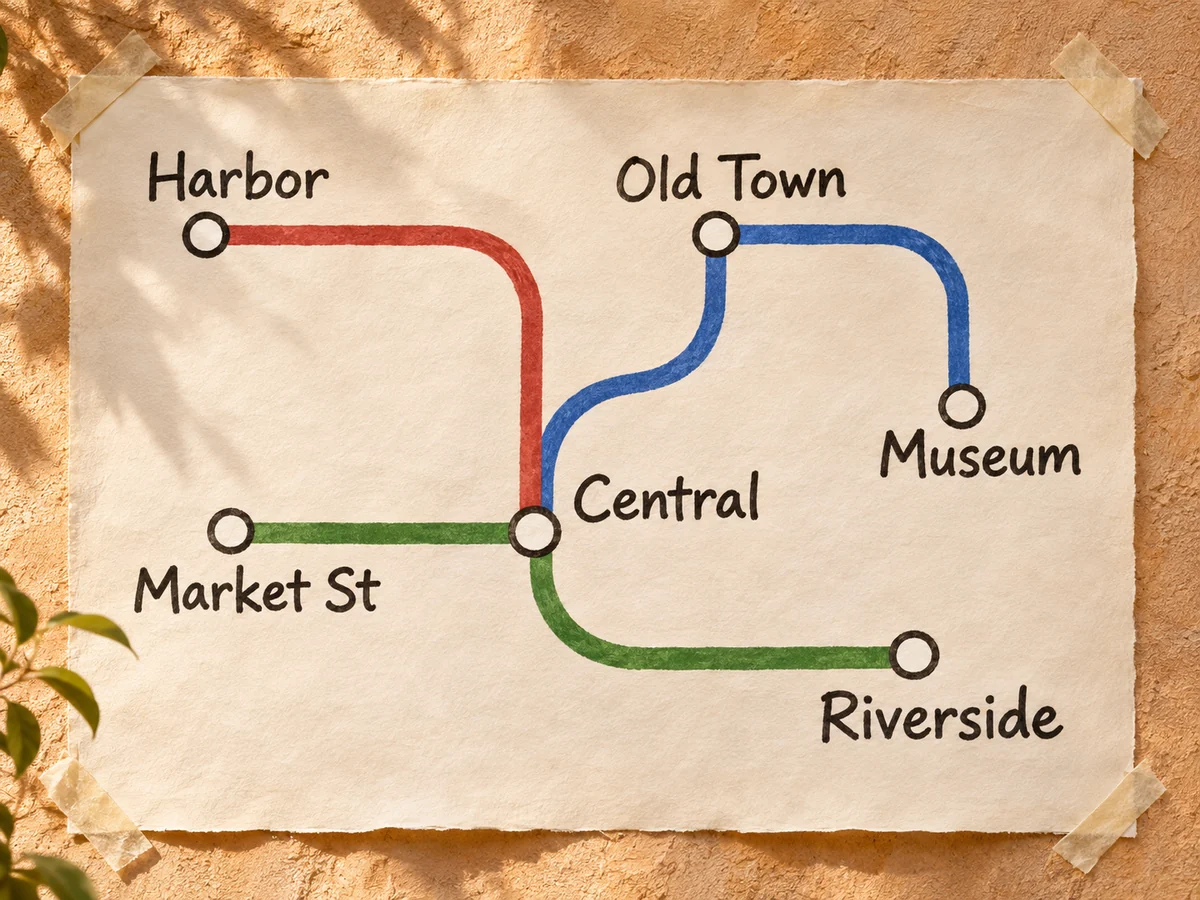
Every image you generate in ChatCut lands in your project. Seedream 5.5 images will too.
Step 1
Today with GPT Image 2.6 or Nano Banana; with Seedream 5.5 once it lands.
Step 2
Hand the still to a video model and describe the motion you want.
Step 3
Add captions, voiceover and music on the same timeline, then export.
Sunlit photos, small type and sticker sets. Pick a prompt and generate it with the image models ChatCut has now.
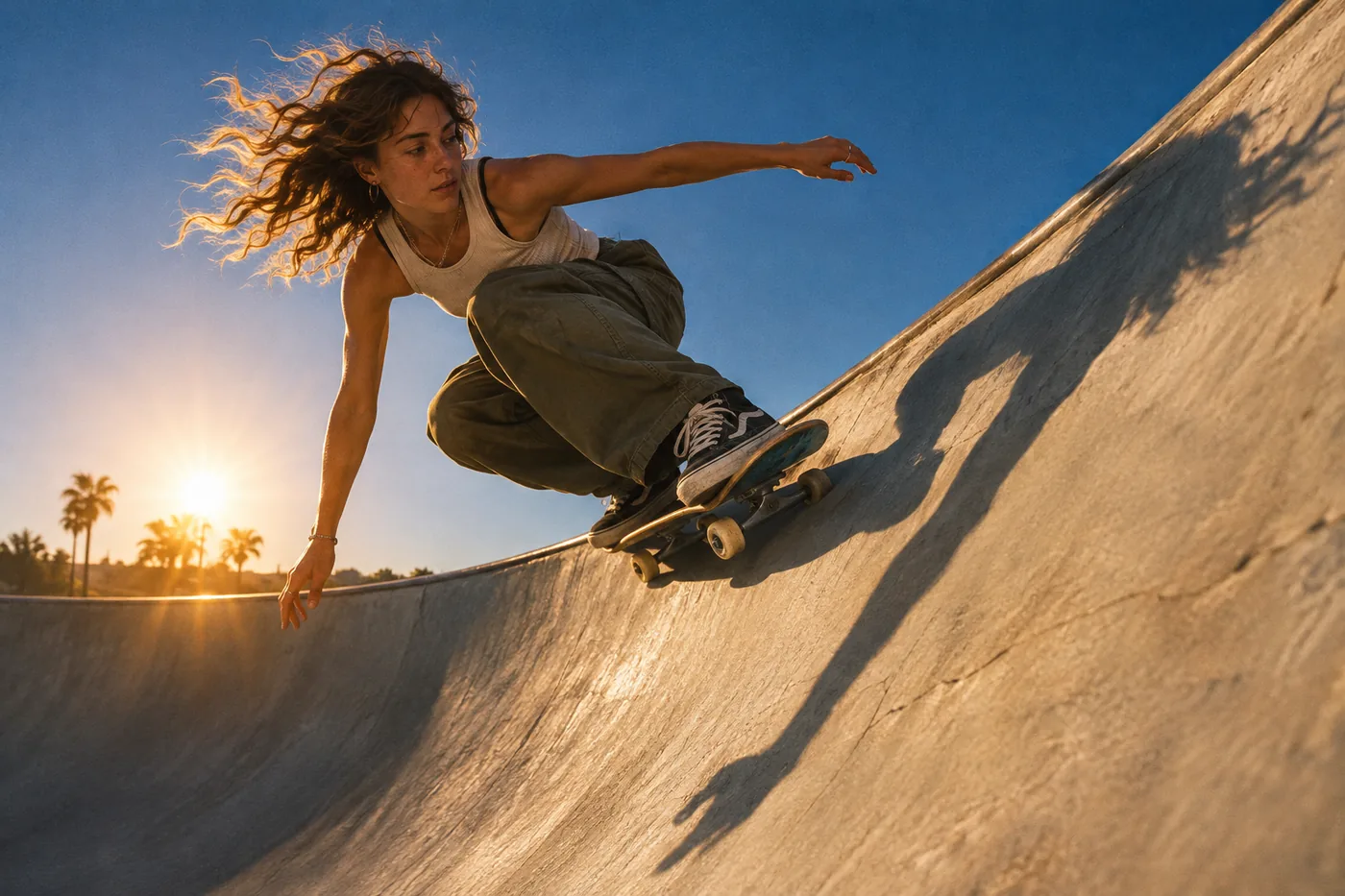
A skateboarder carving the edge of a concrete bowl, low sun behind, long shadow on the wall, deep blue sky, crisp film grain.
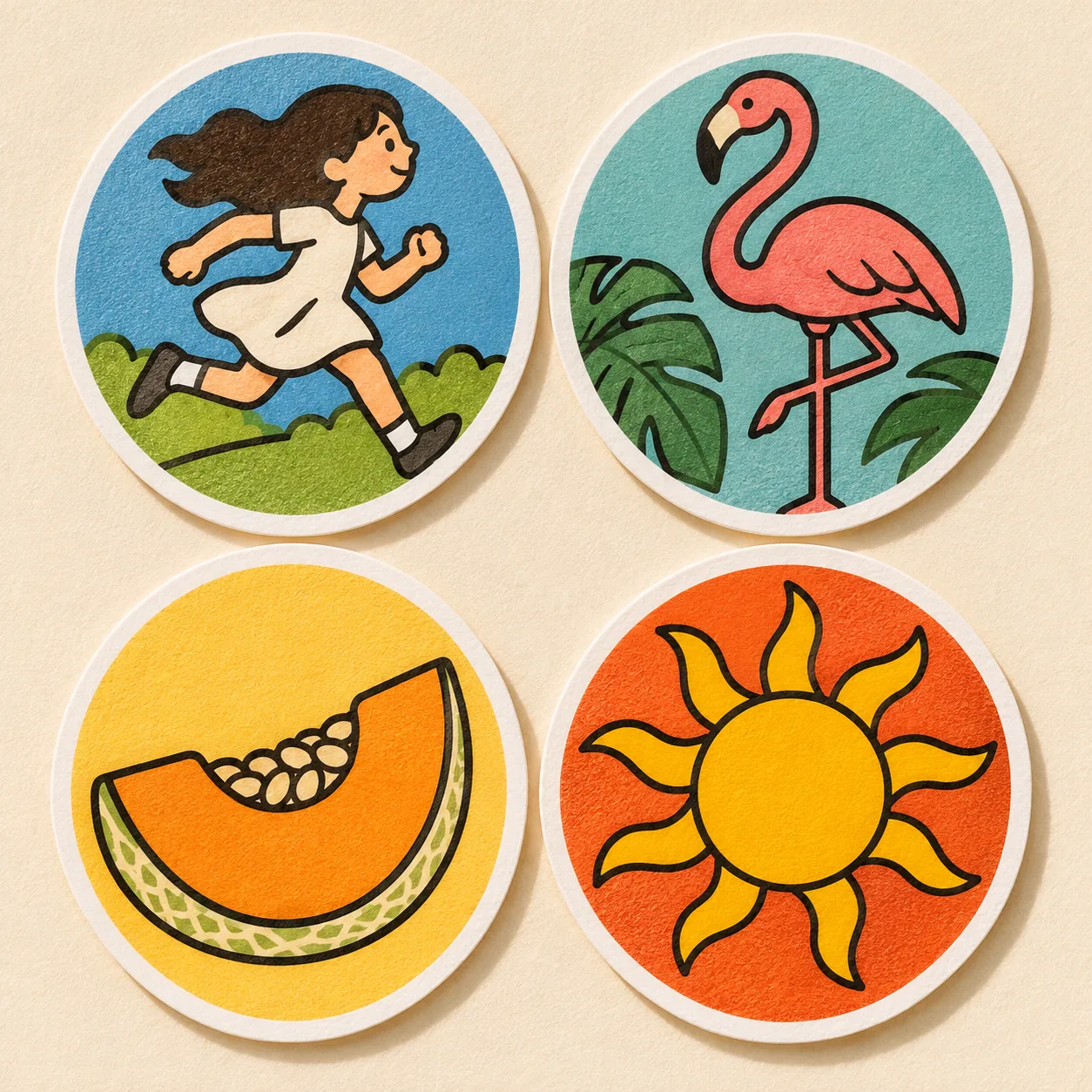
A set of four round stickers on a plain cream background: a girl running, a flamingo, a slice of melon and a sun, bold outlines, flat colours, thick white borders.
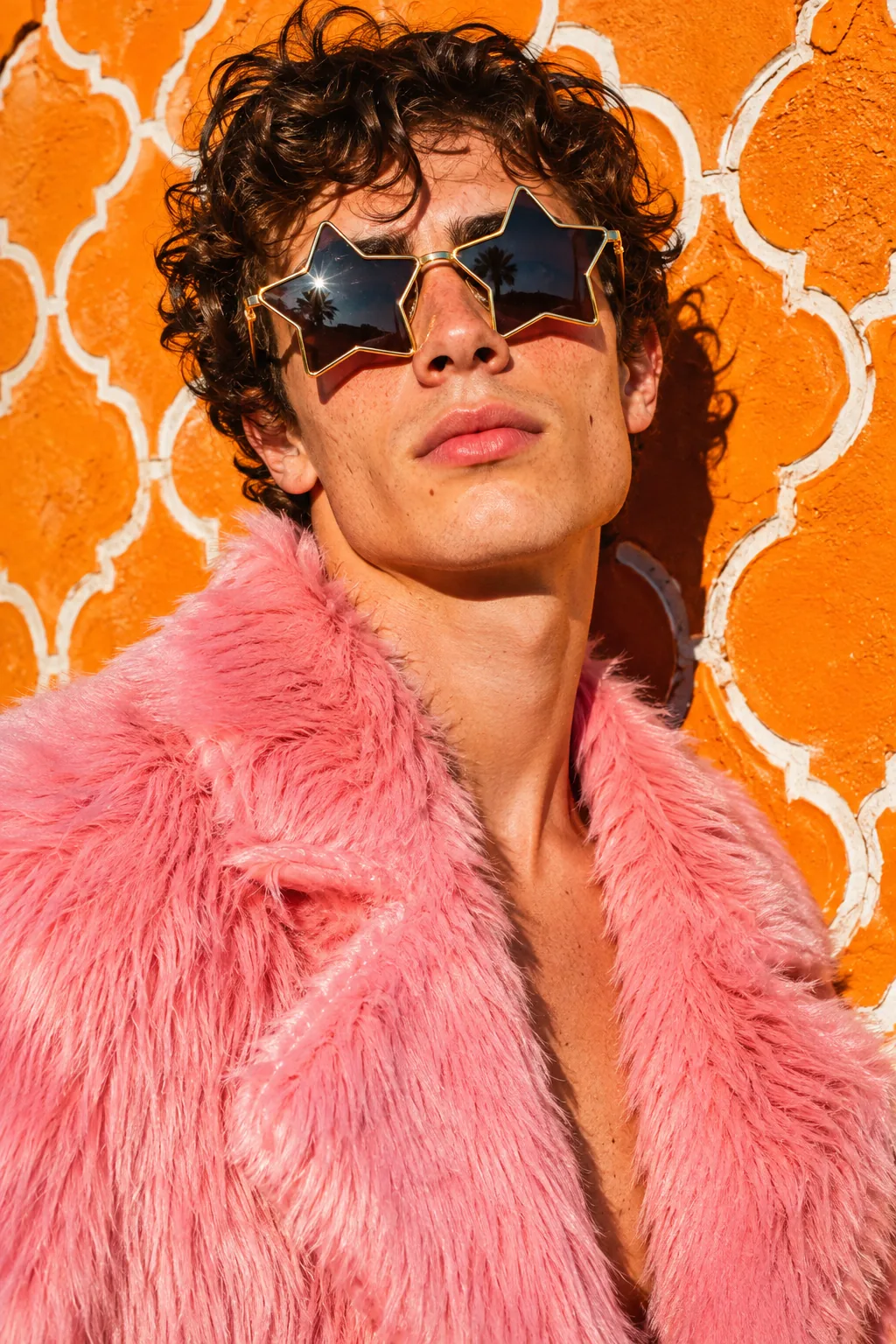
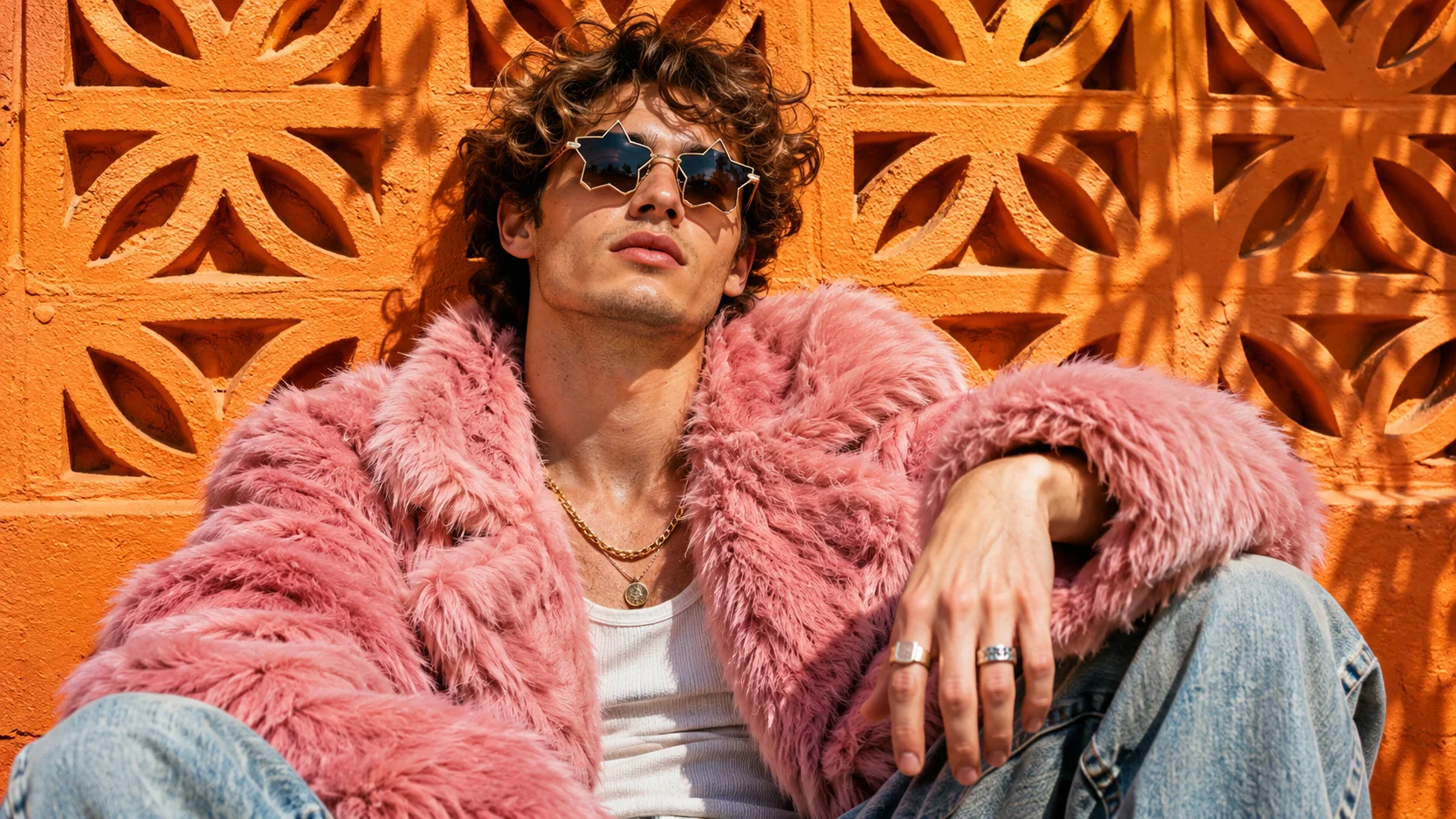
Street portrait of a young man in a pink faux-fur coat and star sunglasses, orange patterned wall, direct flash, high saturation.
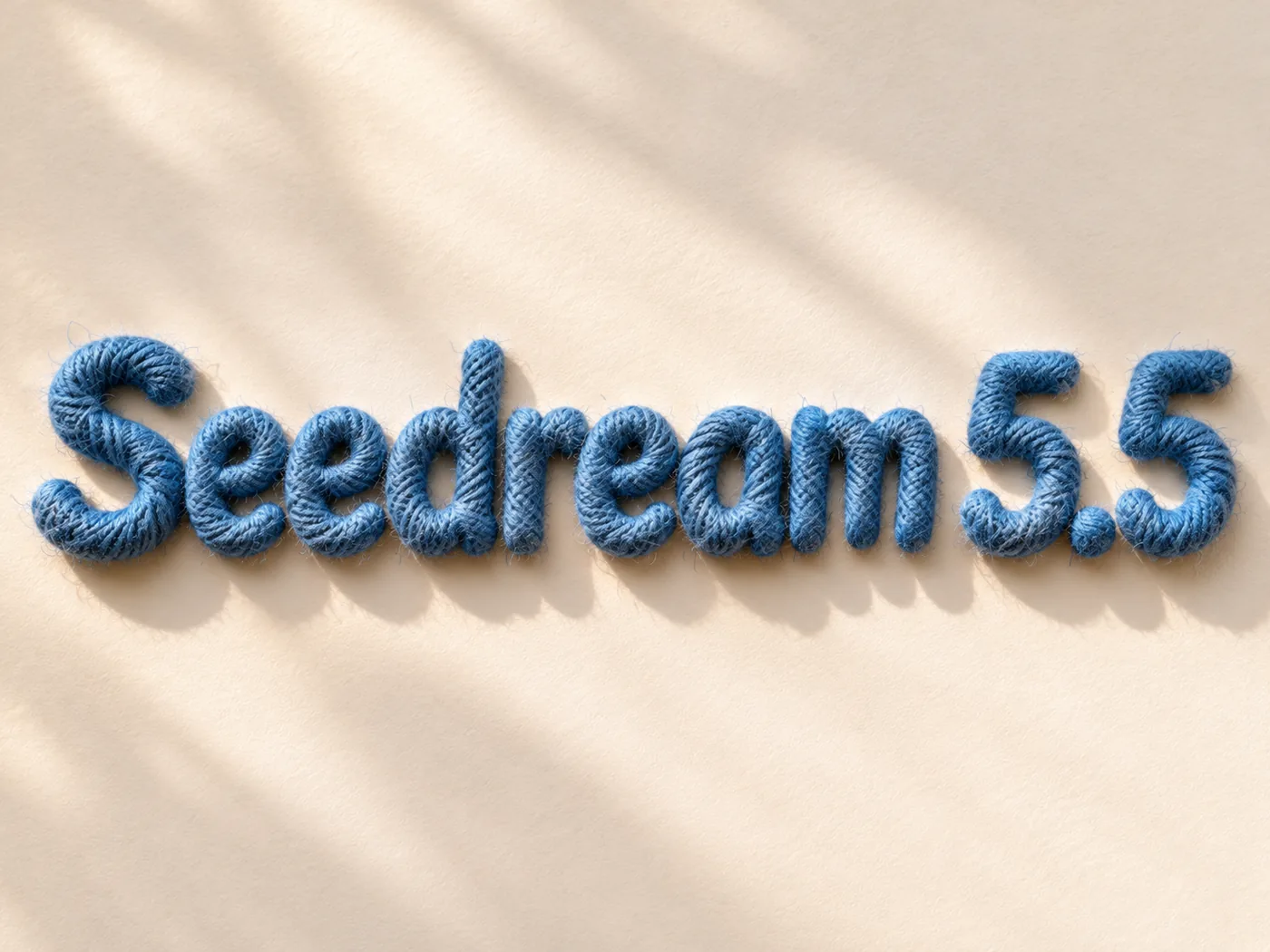
The words "Seedream 5.5" in rounded letters wrapped in blue yarn, visible fibres and fuzz, on a plain off-white background.
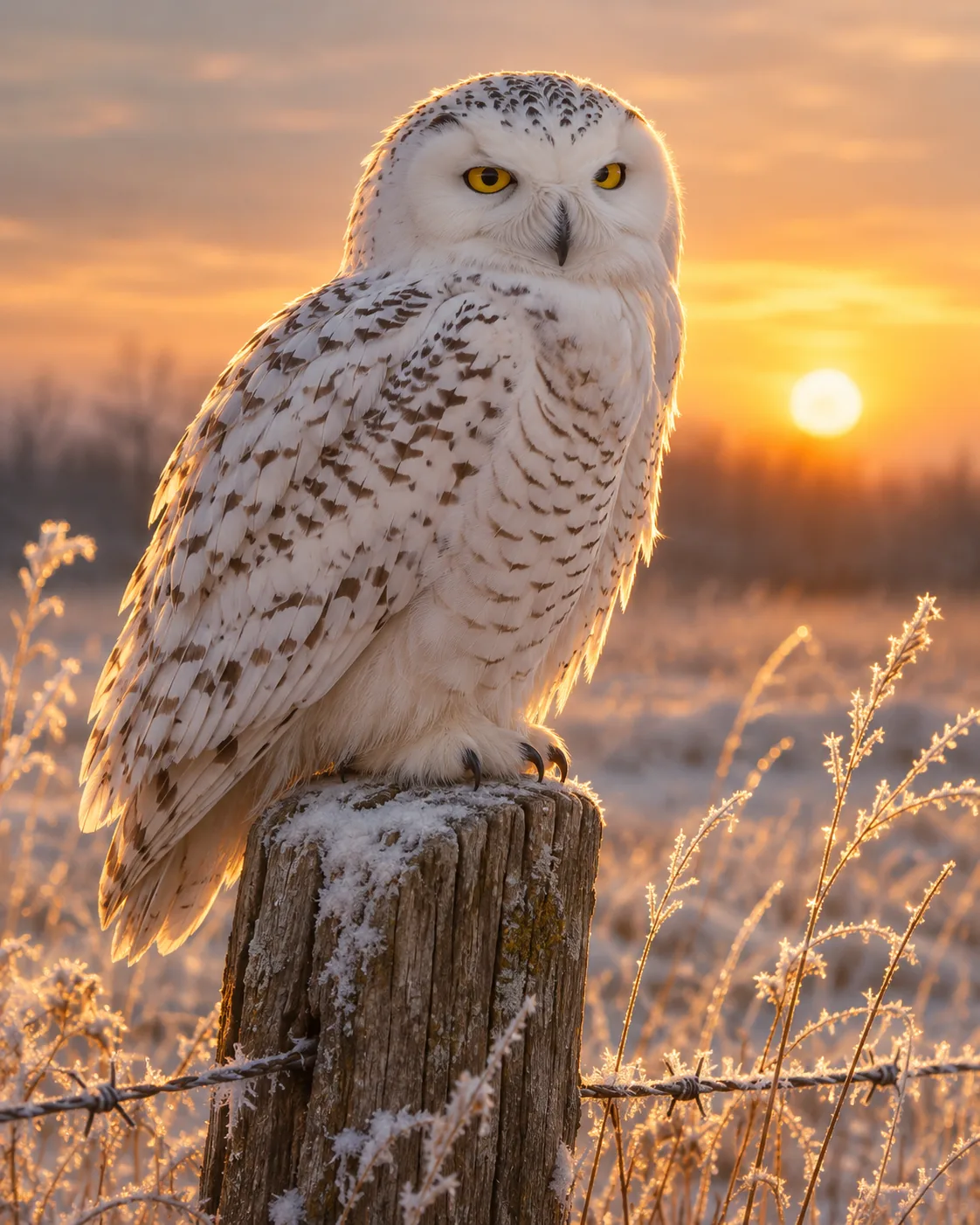
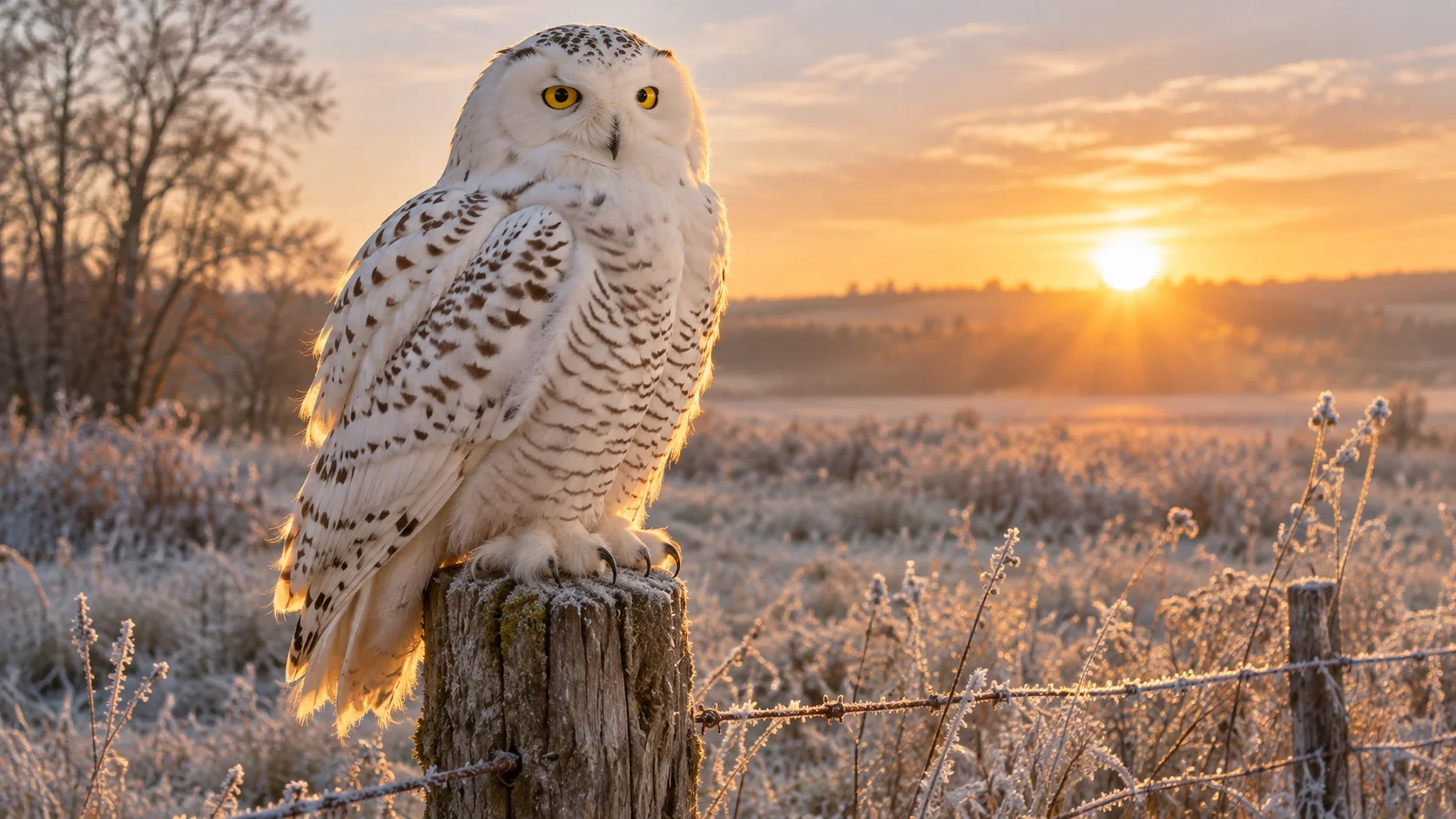
A snowy owl on a fence post at sunrise, every feather sharp, pale gold backlight, shallow depth of field.
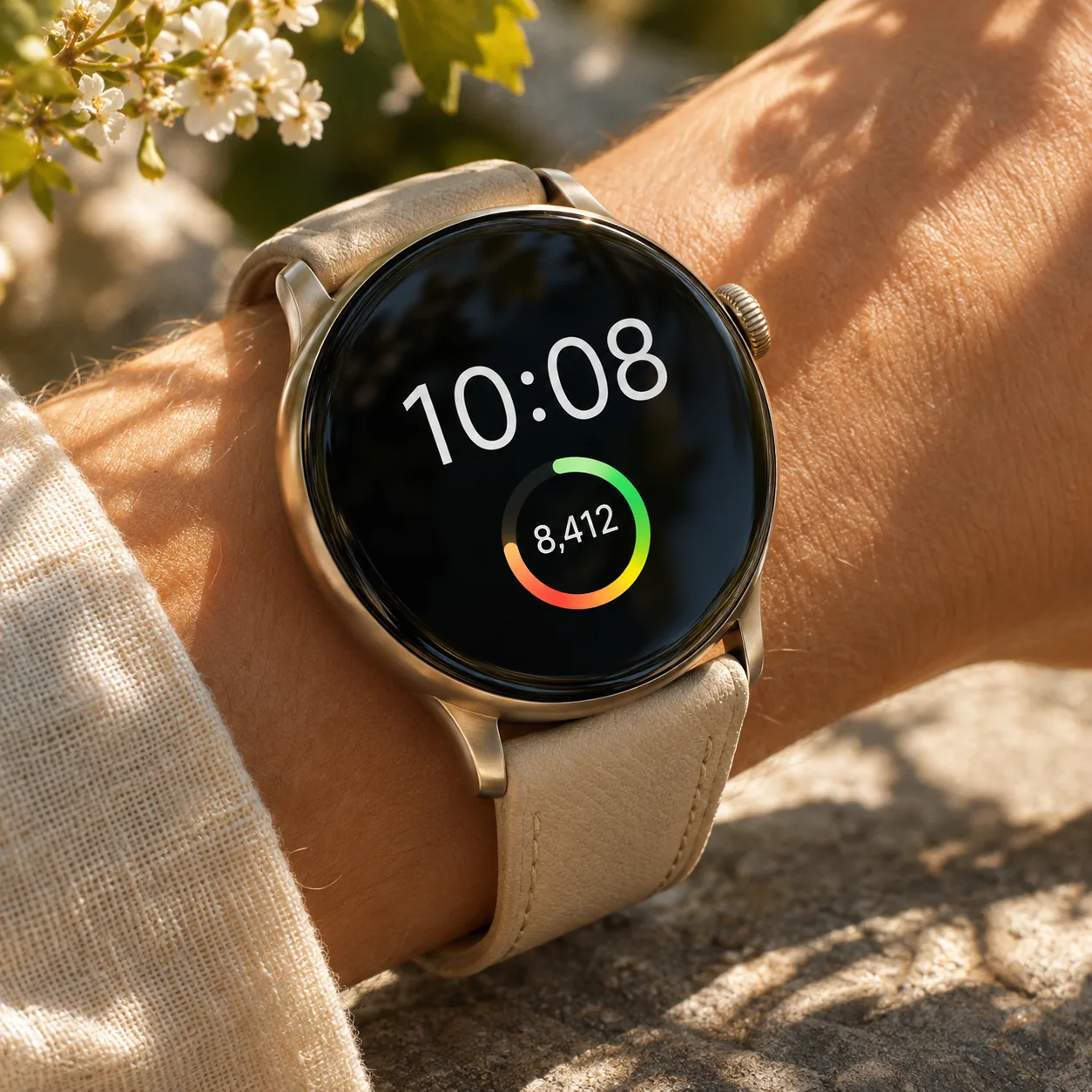
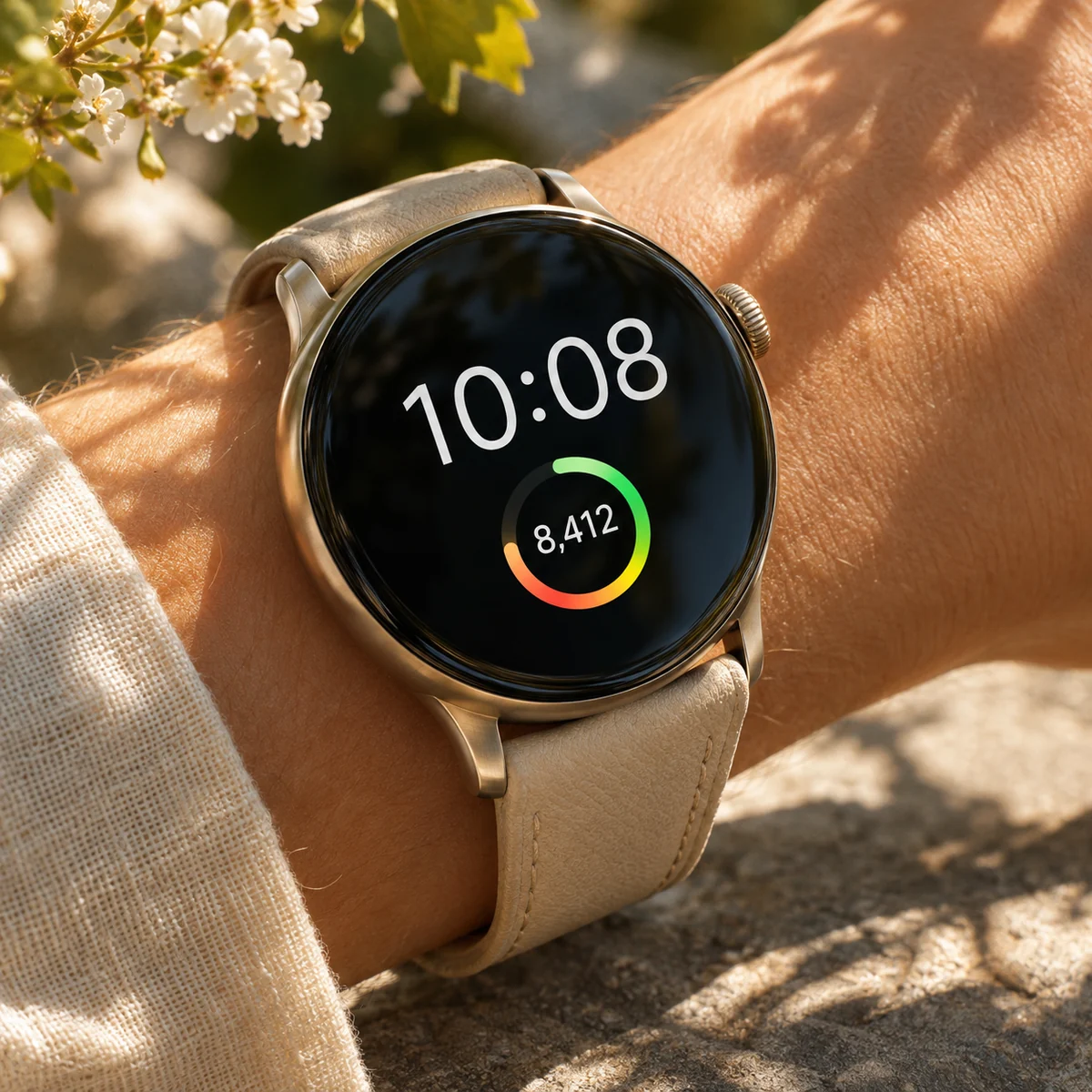
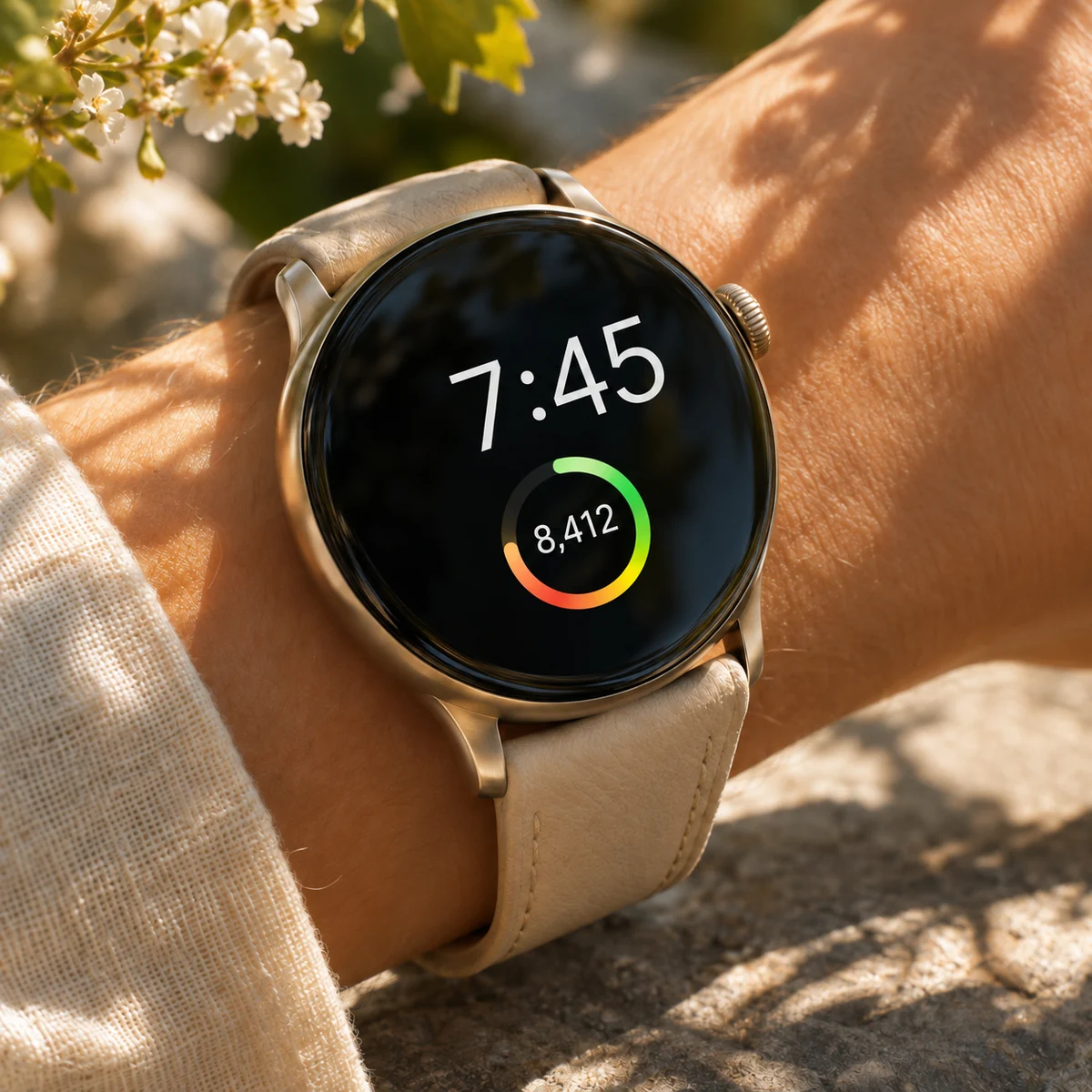
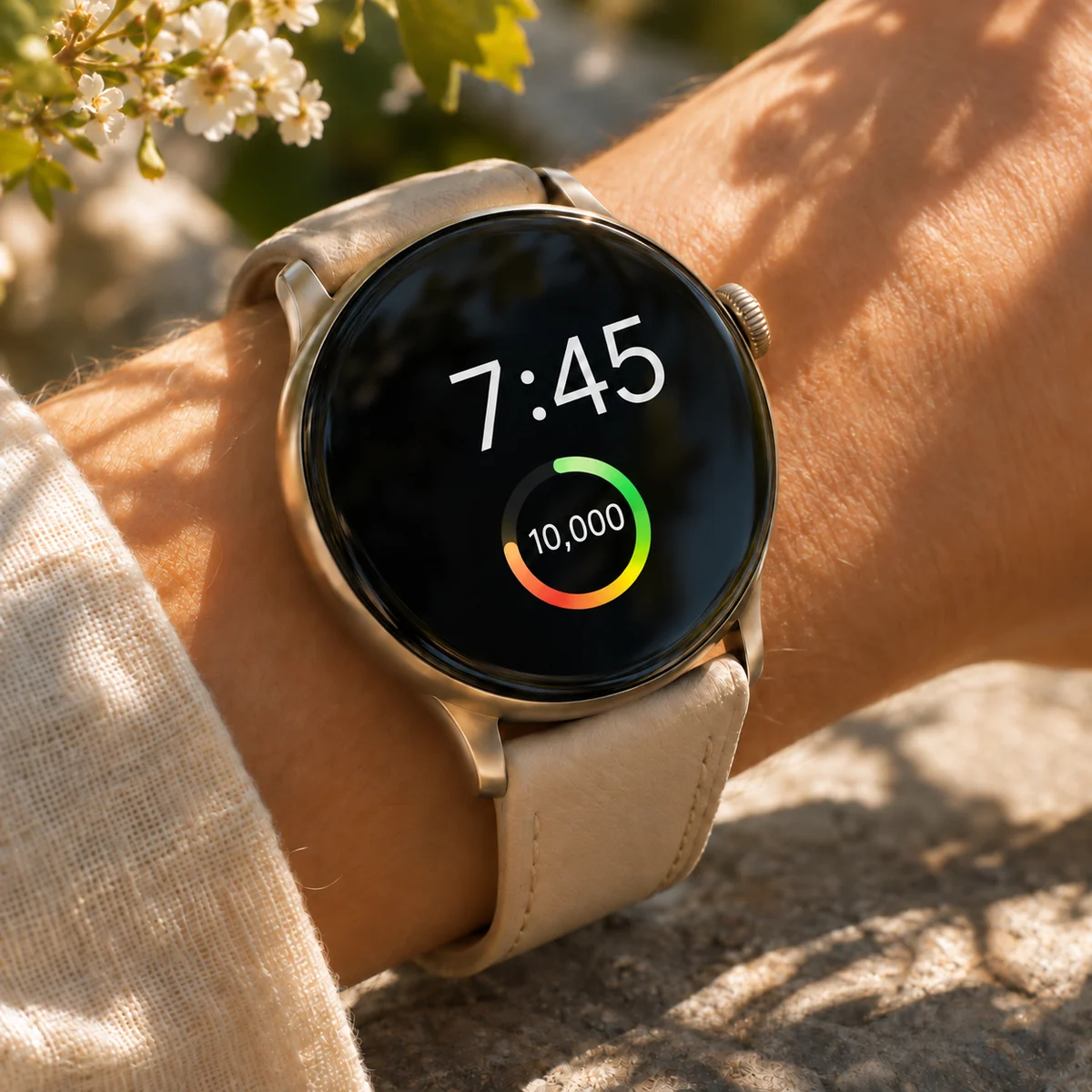
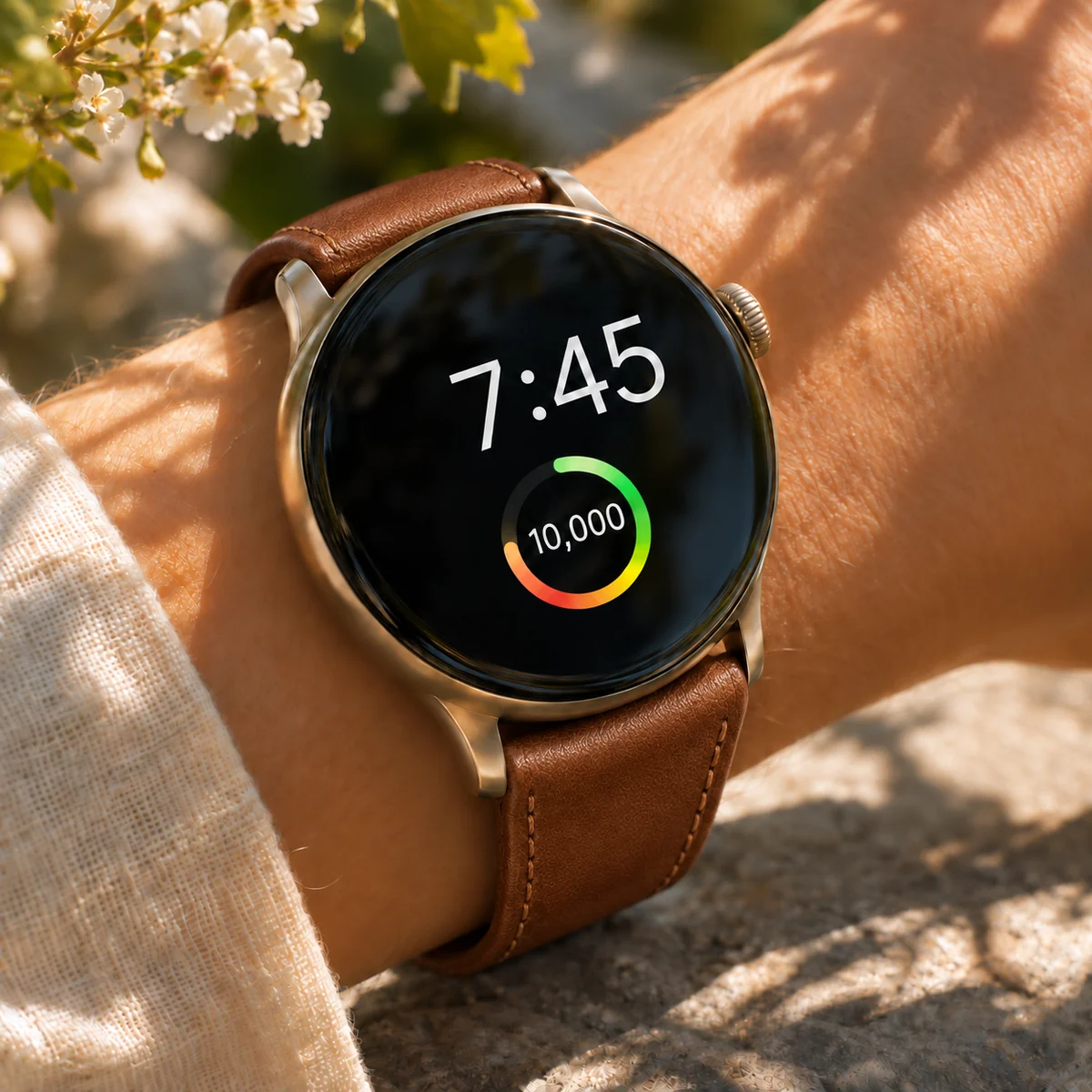
A watch face showing 10:08 with a step count of 8,412 and a small activity ring, clean interface, sunlit wrist, macro photograph.
Generate images from a prompt or your own photos, then animate, caption, voice and score them, all in one place.
Download Desktop Download for macOS Download for Windows Generate an imageDescribe the subject, the light and the layout — then generate in any ratio and keep editing in the same project.
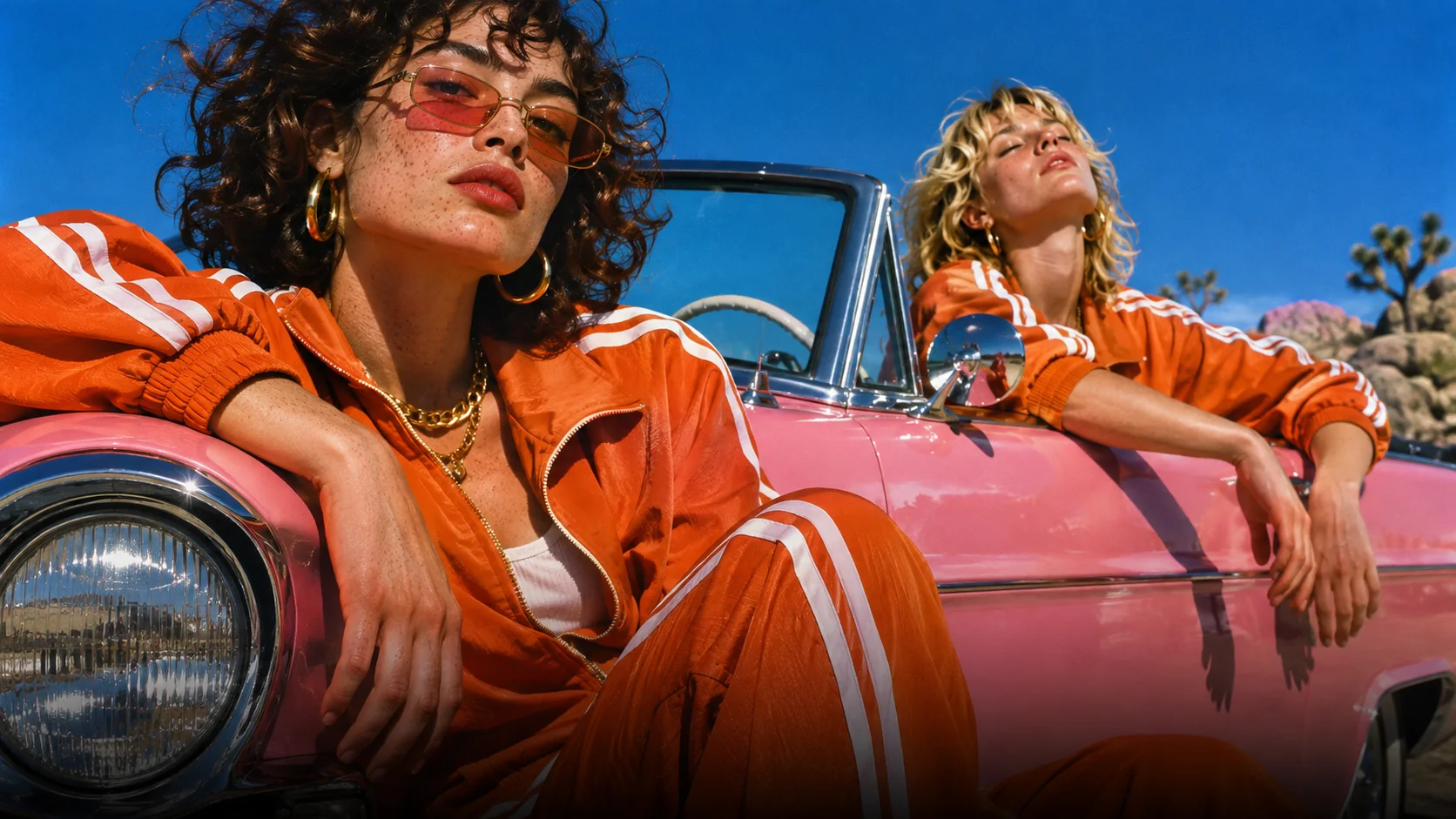 Seedream 5.5 1 / 5
Street portrait of a young man in a pink faux-fur coat and star-shaped sunglasses in front of an orange patterned wall, hard sunlight, saturated colour, wide frame.
Unlock member features, models, and export allowances. Get more credits every month
No credit card required
Free starter allowance
Try for free$252 · Billed annually
100 credits / month
Get started$456 · Billed annually
200 credits / month
Get started$1692 · Billed annually
800 credits / month
Get startedNot yet. ByteDance released Seedream 5.5 on November 9, 2026, and it is not in ChatCut's image model menu today. This page will be updated the day it is.
ByteDance lists two main changes: edits across many rounds that leave the untouched parts of the image as they were, and native transparent output. It also says generation is faster and small text is sharper.
GPT Image 2.6, GPT Image 2.5, GPT Image 2, Nano Banana 2.1, Nano Banana 2 and Nano Banana Pro, on an active Pro plan.
Yes. GPT Image 2.6 outputs transparent PNGs. Ask for a transparent background in the prompt, then place the result over your footage.
That is not set yet. ChatCut image generation runs on credits, charged per image, and the price will be listed here when the model is added.
Yes. Images land in My Assets. Use one as the first frame for Seedance or Kling, or place it on the timeline and keep editing.

 Codex
 Claude
 WorkBuddy